Breakout game
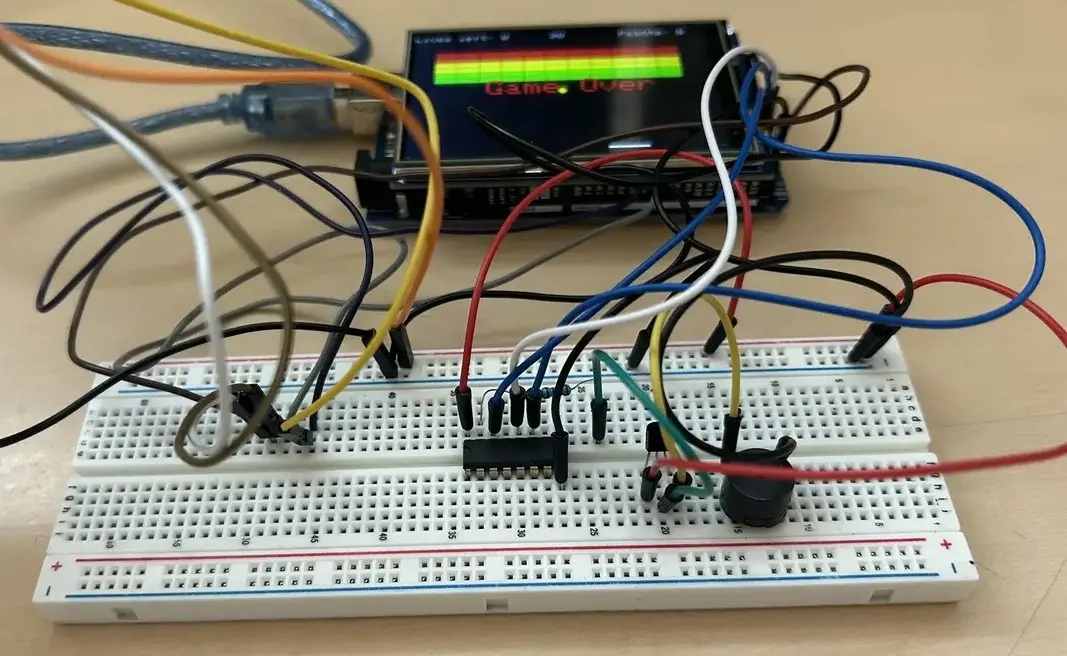
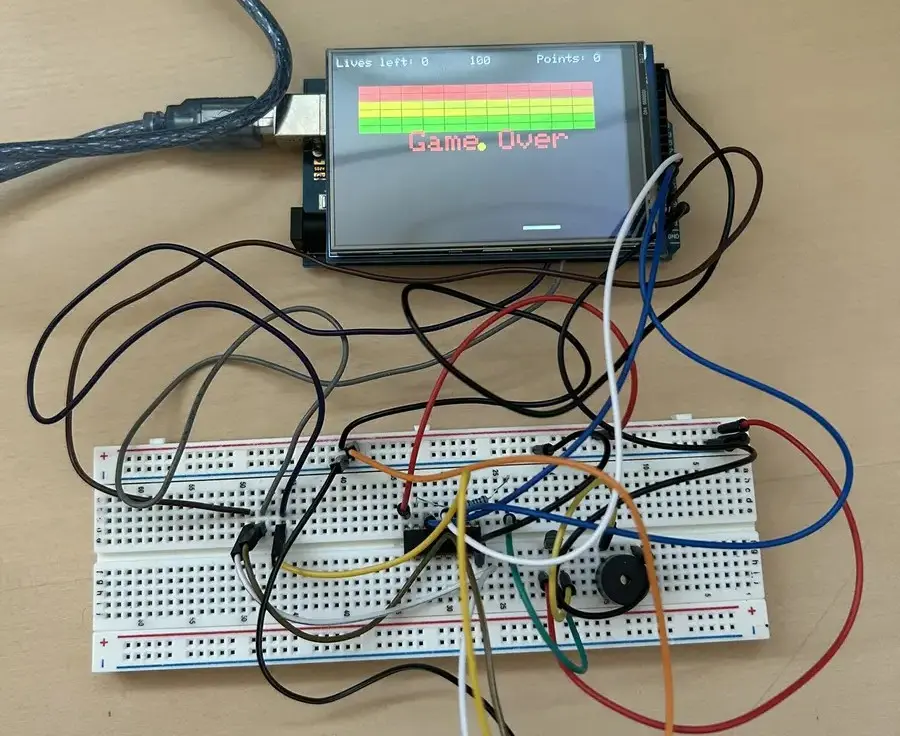
A recreation of the classic Breakout game, running on an Arduino board with hardware components my group wired up ourselves.
Preamble
This game was made in my first semester, which means that it was also my first year of coding, especially in C/C++.
What we built
To play the game, a paddle is moved with the help of a joystick. The paddle is used to aim balls at the bricks. I forgot to take any pictures of the joystick. The game has multiple stages with different patterns of bricks and the goal is to break everything, before the timer ticks to 0. Each stage shift adds 45 additional seconds to the timer.
Hardware
The player is able to see the gameplay through a TFT LCD 320x480 Touch Display Shield, which is put on top of the Arduino board. The joystick module is used to play the game and reset whenever you want. A requirement was to use SPI, which we implemented through a passive buzzer, which is used for impact, by playing a sound effect. A passive buzzer does not use SPI normally, but we could not find another use for SPI with our current setup, so we decided to implement the passive buzzer with SPI. The LCD screen also uses SPI, but this could not fill the requirement given by my professor.
Software
Creation of the game, which includes game logic, paddle, ball, bricks among other things. To make the game feel more alive, we decided to add levels, game lives and a simple point system to reward the player for improving and being able to compare their tries. This includes a game over screen and reset as well. We capped the game at 30 frames per second, since the Arduino could not push pixels to the display fast enough above that. We also had the requirement of using an interrupt timer. We designed a timer interrupt, which was used to make an in-game clock, so we could set a time limit.
How it works
The Arduino IDE is the development environment, while the program is written in standard C++ paired with specialized framework and hardware libraries. The game runs in a loop that handles input, physics, collision detection and drawing on the LCD. The game only updates if a tick has happened. This means that the gameplay speed and game logic is directly connected to the interrupt timer. We decided to use this approach, since we had issues with the ball and paddle speed being consistent. This issue occurred because the game would slow down when more bricks were on screen.
During each update, the Arduino reads the joystick input, moves the paddle and ball, checks for collisions with the wall, paddle and bricks, and updates the score and remaining lives. The game also uses selective drawing, which means that objects are only redrawn when necessary.
My part
My group consisted of 2 people, so we divided the work based on our interests and what we wanted to learn. We interpreted and discussed every part of the code together and made sure that the other person understood every detail.
My main area of responsibility included the paddle, brick, joystick and setup of interrupt logic. I particularly enjoyed learning about the interrupt logic, as it made me realise how useful interrupts can be in hardware-based programming. It gave me a better understanding of how hardware events can be used to control program execution and timing.
Challenges
The biggest challenges had to do with the drawing logic, paddle and ball logic. I spent a lot of time understanding how the Arduino draws on the LCD and how we could optimise the game to limit flickering and gameplay issues such as lag and inconsistent speed. An example of this was the idea of selective redrawing and an interrupt-based game loop.